Widgets
Your next renewal and monthly total on the Home and Lock Screen.
Every subscription in one place, your real monthly total, and a reminder before each charge, so a free trial never quietly becomes a bill.
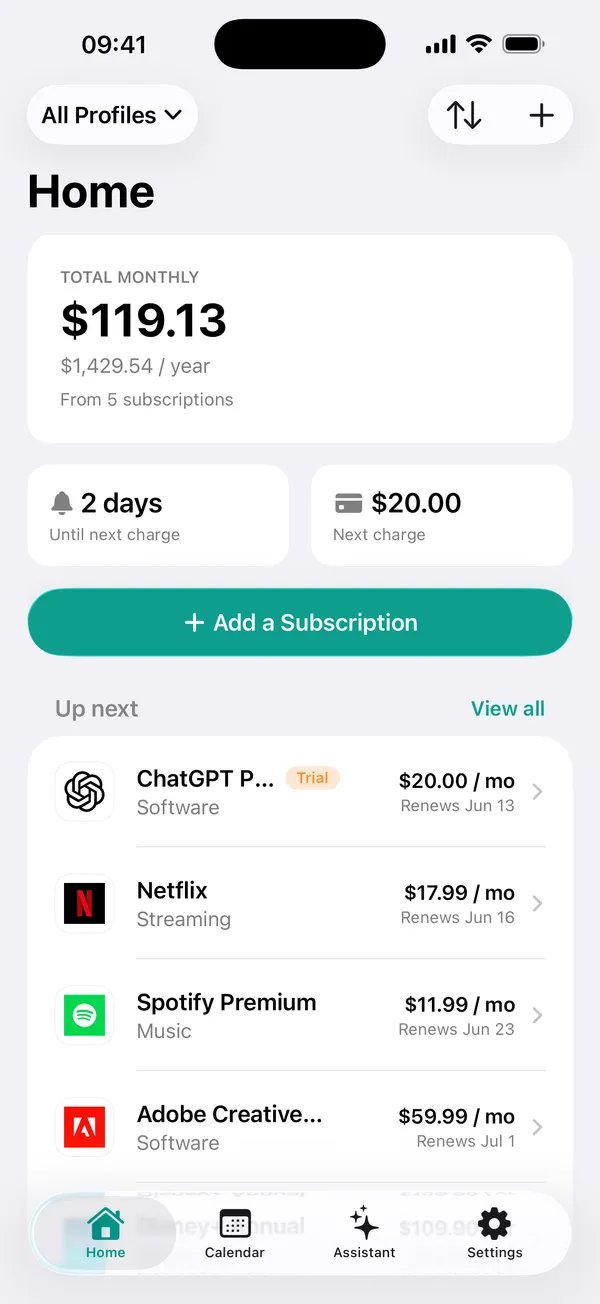
Setting up takes about a minute. After that, SubHelm does the remembering.
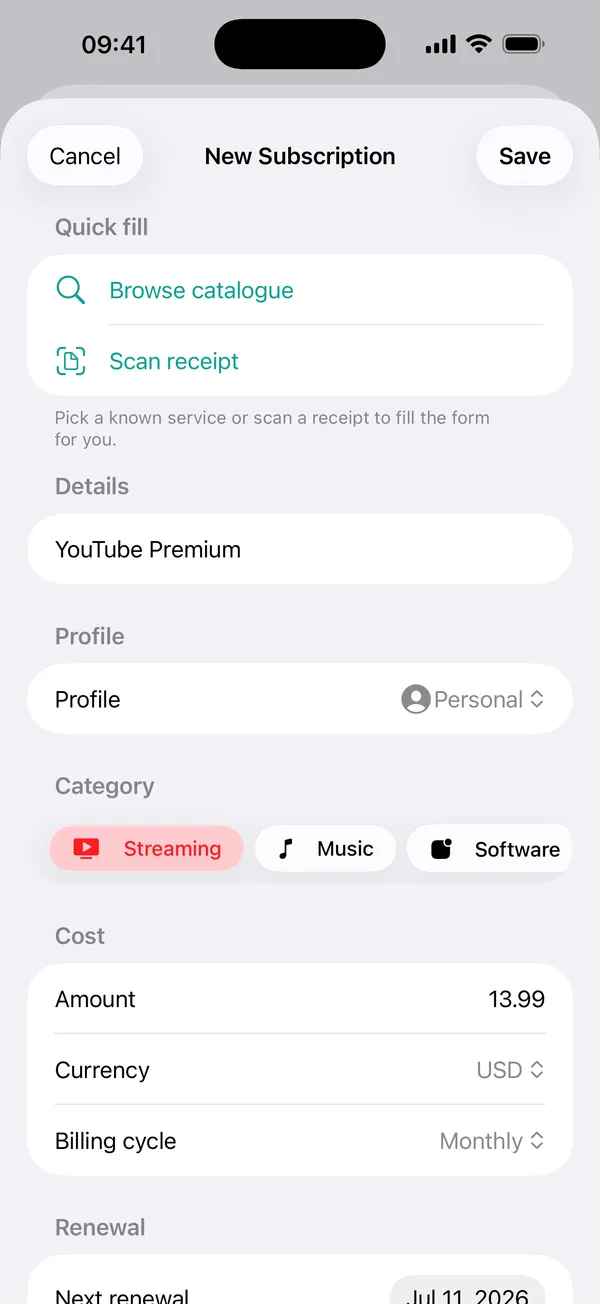
Pick from a catalogue of 200+ services, or point the camera at a receipt and let it read the details.
One honest monthly total, every currency converted, personal and work kept apart.
A reminder arrives before each renewal, and before a trial turns into a paid plan.
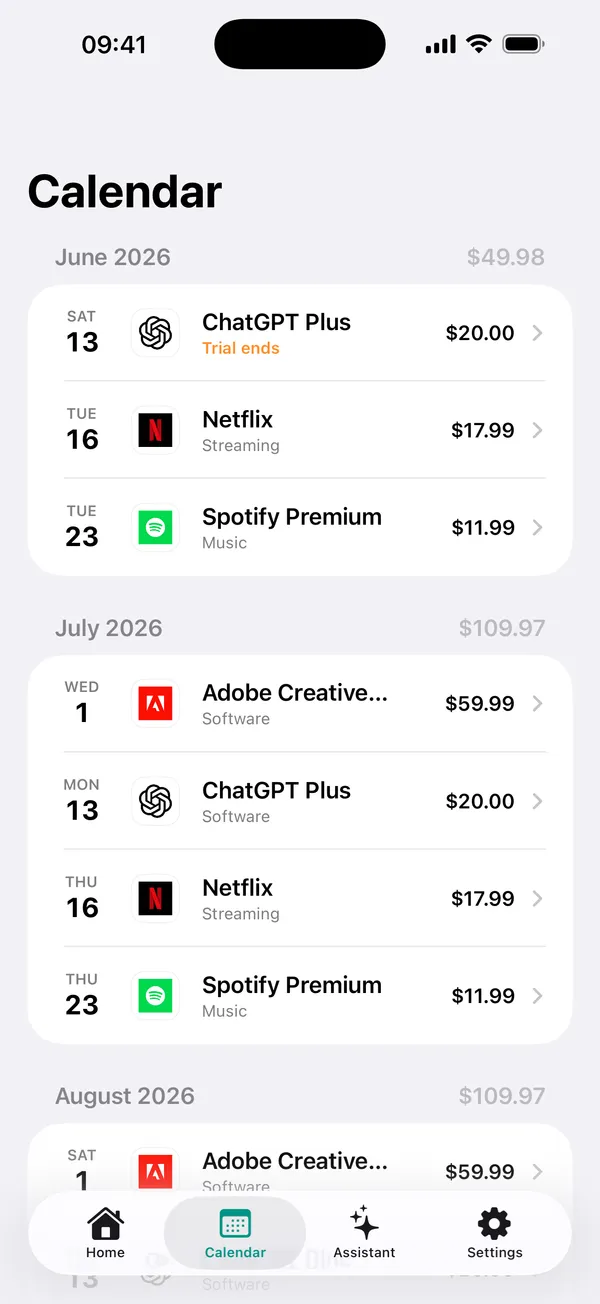
Every upcoming charge and trial ending laid out day by day. You see the expensive week coming while there's still time to cancel something.
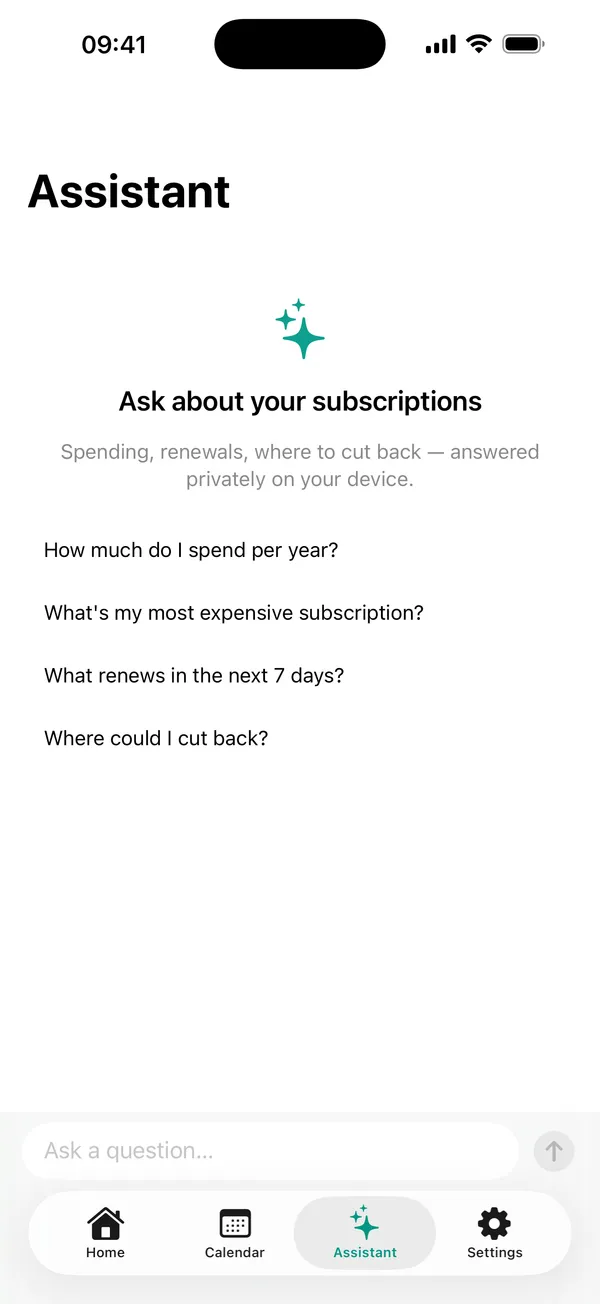
"Where could I cut back?" "What renews in the next 7 days?" Powered by Apple Intelligence, running on-device, so the questions and the answers never leave it.
Found a charge you don't recognise on a receipt? Scan it and the name, price and date are read straight into SubHelm. Nothing is uploaded anywhere.
Your next renewal and monthly total on the Home and Lock Screen.
A heads-up before each renewal, and before a free trial converts.
Netflix, Spotify, ChatGPT and more, added in a few seconds.
Personal and work kept separate, each with its own total.
Subscriptions in any currency, converted into one real total.
Across your devices, through your own private iCloud.
Your subscriptions live on your device and sync only through your own iCloud. There's nothing to sign up for, nothing to log in to, and nothing we could look at if we wanted to.
No. SubHelm never asks for bank credentials. You add subscriptions from a built-in catalogue, by hand, or by scanning a receipt.
There isn't. Open the app and start adding. Your data stays on your device and syncs through your own iCloud if you have more than one.
Nothing. It runs on-device through Apple Intelligence, so both your question and its answer stay on your iPhone.
Yes. Add them in whatever currency you're billed in and SubHelm converts everything into one monthly total.
Yes. Mark a subscription as a trial and SubHelm sends a reminder before it converts into a paid plan, and before every renewal after that.
No, and nobody else can either without your account credentials. SubHelm shows you what to cancel and reminds you before the charge, while there's still time to do it; you cancel with the provider, which usually takes a minute.
The app is free to download and use. Pro is an optional in-app upgrade; you can see exactly what it includes inside the app before buying anything.
Free on the App Store. No account, no ads, no tracking.
Download on theApp Store